Best Kiosk & Kiosk Manufacturer, Supplier, Factory China
HomeVideosHot Kiosk Videos Video Guide How to Pay for Parking at a Kiosk Step by Step
Hot Products
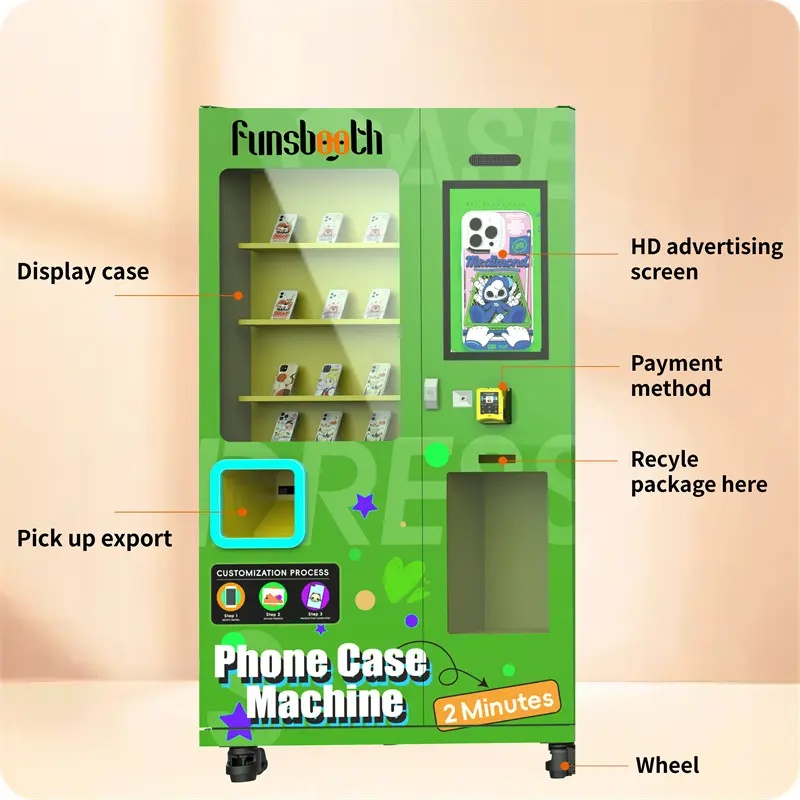
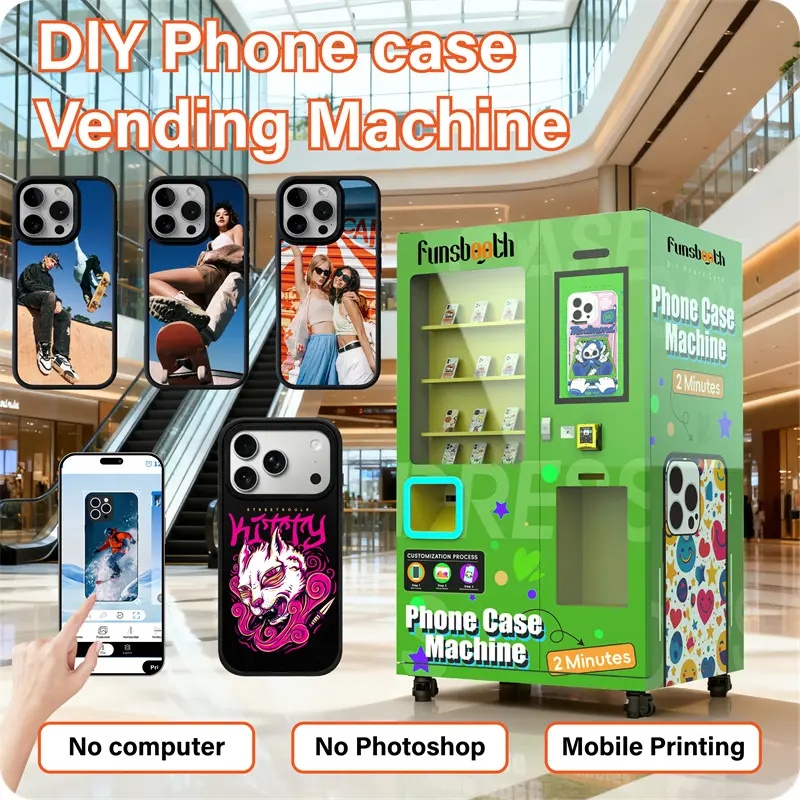
Compact Phone Case Vending Machine with 0.6m2 Footprint
Compact Phone Case Vending Machine for Small Retail Spaces0.6㎡ Footprint | Easy Installation | Fast DIY CustomizationMake better use of limited retail space wi
Fast Phone Case Vending Machine with 2-Minute Output & QR Payment
Fast Phone Case Vending Machine for High-Traffic Retail2-Minute Fast Output | QR Code Payment | 13-Case Bulk RefillingKeep customers moving and make personalize
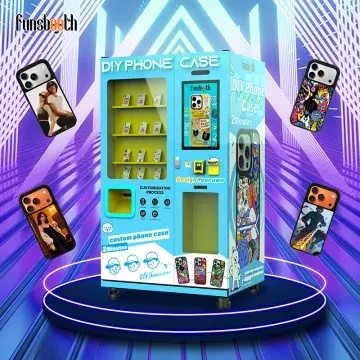
DIY Phone Case Vending Machine with UV Printing & 858-Case Capacity
Turn everyday foot traffic into personalized retail experiences with the Lean Kiosk DIY Phone Case Vending Machine F6. This fully automatic self-service kiosk allows customers to upload photos, add text, select designs and print personalized phone cases on demand.
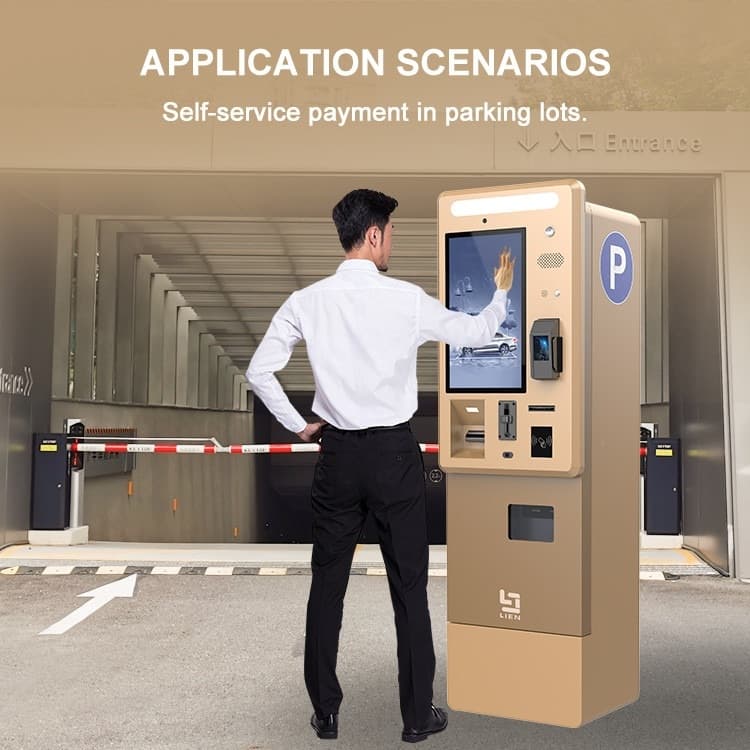
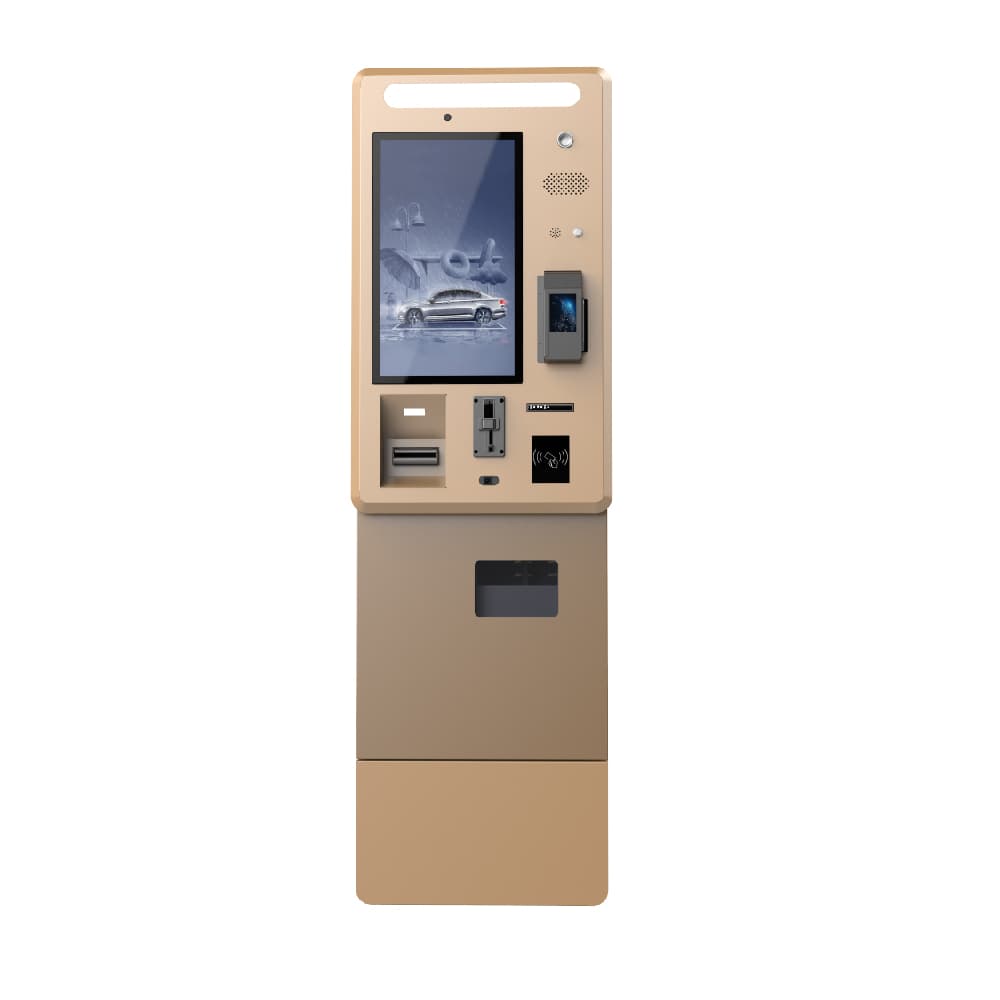
Coin, QR Code, NFC, Credit Card, Pos, Barcode, Debit Card, Cash Payment And Change Parking Kiosk
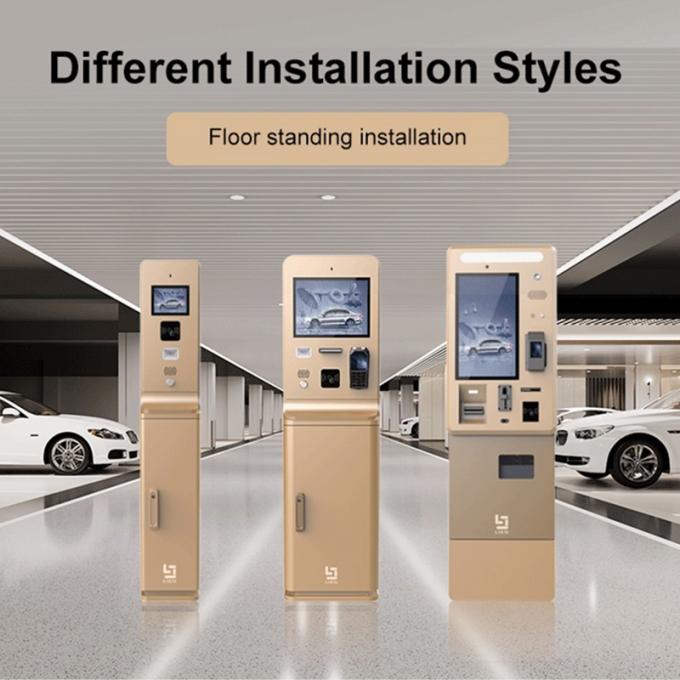
This parking payment kiosk is a cutting-edge, all-in-one payment solution from Lean Kiosk. Engineered for maximum efficiency, it offers a truly barrier-free payment experience. By seamlessly accepting every major payment method—from Coin, QR Code, NFC, Credit Card, POS, Barcode, and Debit Card to Cash Payment and Change—this advanced kiosk eliminates transaction friction. Its versatile and reliable system simplifies parking for drivers and streamlines operations for managers, ensuring a seamless flow of both traffic and revenue.
Request A Quote

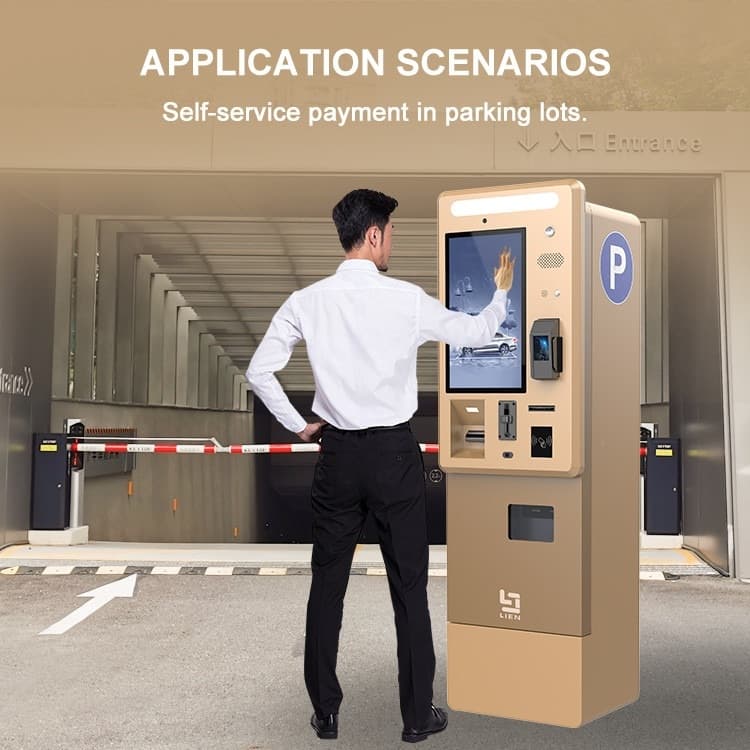
Video Guide How to Pay for Parking at a Kiosk Step by Step

Publish time:2025-09-07 23:26:31

How to Use the New Parking Kiosk: A Step-by-Step Video Guide

Watch the video below to learn how to use the new parking kiosk. Follow these simple steps for a fast and easy way to pay for parking. For a more detailed introduction to parking kiosk, you can check out our Parking Kiosk: Everything You Need to Know - A Complete Guide.
video cover

1. Start Your Session

  • Locate the kiosk: Find the nearest parking kiosk. The screen will typically be in a "start" or standby mode.

  • Touch to begin: Tap the screen to wake it up and begin the payment process.

2. Enter Your Vehicle Information

  • Input your license plate: Use the on-screen keyboard to accurately enter your vehicle's license plate number. This information is crucial for confirming your payment.

3. Select Payment Method & Time

  • Choose your duration: The screen will display parking time options. Select how many minutes or hours you need.

  • Tap to pay: The total fee will be displayed. Tap the screen to proceed to the payment page.

4. Complete Your Transaction

  • Pay with card: Insert your credit or debit card into the designated reader slot.

  • Pay with cash: Insert bills or coins into the bill acceptor. The machine will calculate the amount and provide change if needed.

  • Pay with a digital wallet: For quick payments, tap your smartphone or watch on the contactless payment area.

5. Take Your Receipt

  • Collect your receipt: Once the payment is complete, the parking kiosk will print a receipt. Take it and your card or change. You are all set!

Tag:

Contact Details
Shenzhen Lean Kiosk Systems CO., LTD

Send your inquiry directly to us (0 / 3000)

Contact

Address: No. 99-15, Dayang Road, Rentian Community, Fuhai Street, Shenzhen, Guangdong, China